What it solves
EduLock helps reduce passive app opening by placing short educational challenges between the user and selected apps.
 Available on Google Play
Educational App Lock that encourages productive device usage through educational challenges before unlocking selected applications.
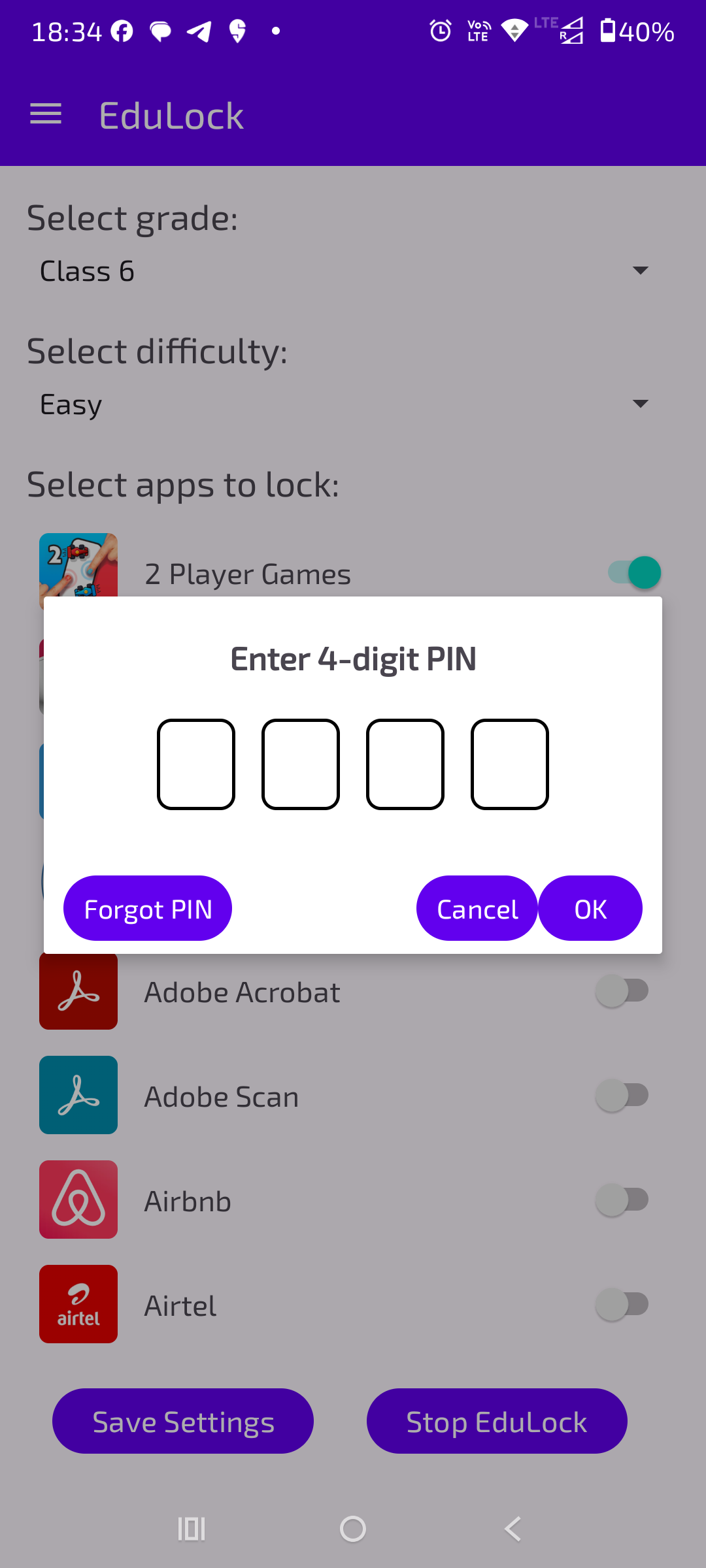
EduLock’s preview stays compact and readable inside a portrait phone mockup, keeping the app interface clear without overwhelming the page.
EduLock helps reduce passive app opening by placing short educational challenges between the user and selected apps.
Parents, students and focused users who want screen time to include learning prompts instead of only restrictions.
It reframes app locking as a productive nudge, combining app control with education in a clean Android experience.
Select apps that should require a learning challenge before opening.
Encourage meaningful micro-learning moments during device use.
Lightweight prompts support better habits without feeling heavy.
Useful for parents and learners who want more intentional screen time.
Select the apps that should pause behind a quick learning step.
Present a short educational prompt before access is allowed.
Help users re-enter the app with a more intentional break in between.
 Kotlin
 Jetpack Compose
 Android
 Material Design
EduLock is available on Google Play for supported devices.
EduLock is built for Android devices and distributed through Google Play.
Core usage is designed for everyday Android workflows. Store, update and support-related actions require internet access.
Data handling is kept focused on app functionality and support. Reach out for privacy questions about your setup.
Email gofusionlabs@gmail.com with EduLock in the subject line.